support@thetacoresystems.com
Skydd User Help
SKYDD is a smart parental-control platform that helps parents protect, guide and manage their children's digital lives.
After installing the application on your Windows 10/11 computer, use your email address to register this product for using it FREE for 90 days. On registration, an email is sent to you for verification of your email.
Once email is validated, you would be able to login to parent console using your email address and password. First thing that should be done is validate the whitelisting of domains that should be allowed to be accessed on this computer. Your browsers are now ready to enforce this list while browsing.
Kindly note that the browsing related data and application settings are stored on your local computer.
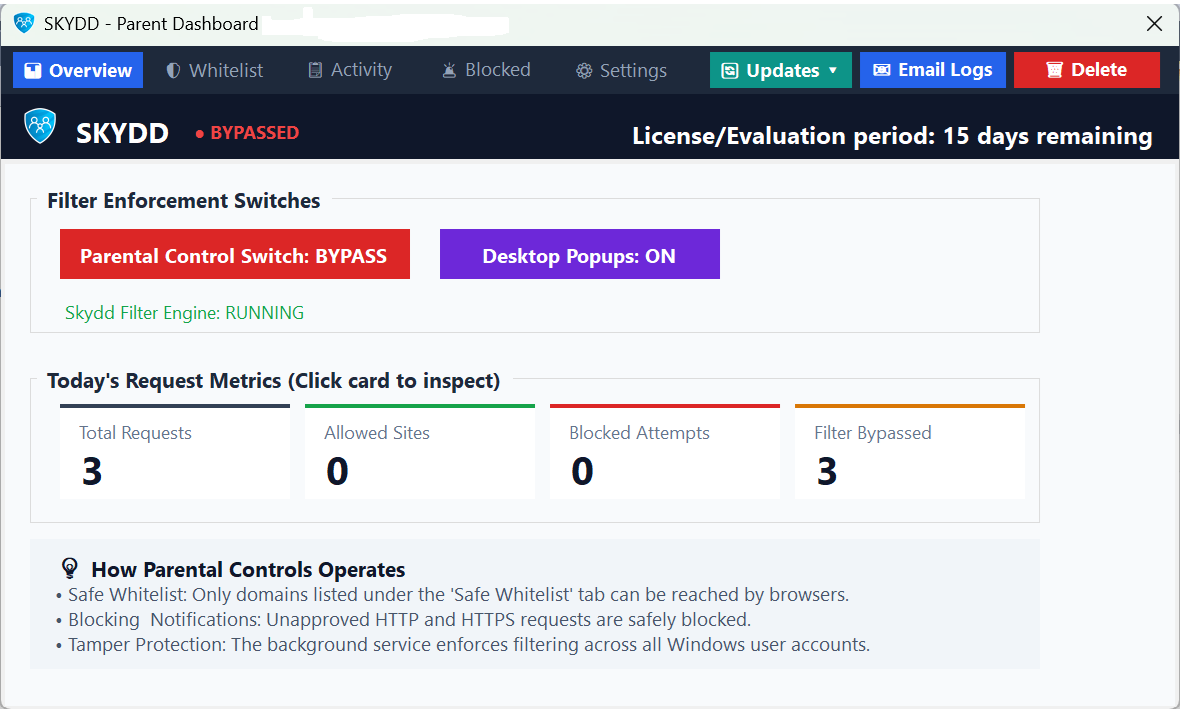
Main user interface for the parent dashboard is very simple and self explanatory as shown below.